
 Planning a trip?
 Organising classes?
 Packed day ahead?
See how Hour by Hour can help!

 Planning a trip?
Organising classes?
Packed day ahead?
Planning a trip?
Organising classes?
Packed day ahead?
See how Hour by Hour can help!

Set off at 9am

Catch train at 10:15

2-5pm Party time!|
Swiftly sketch out your day in plain English. See all the phrasings you can use to describe timing in the built-in guide.
Hour by Hour even picks icons for your events automatically based on the title you type, using Apple's on-device AI.


Set off 25 mins earlier|

12:30PM
Lunch with Hamish
Link events together and let Hour by Hour handle the timing. When plans change, connected events update automatically.
When your schedule is active on the days you choose, Hour by Hour highlights the event that is active right now based on timing.

Going on a trip with friends? Sharing plans with family? Hour by Hour syncs with iCloud and allows easy link sharing to collaborate on the same schedule.
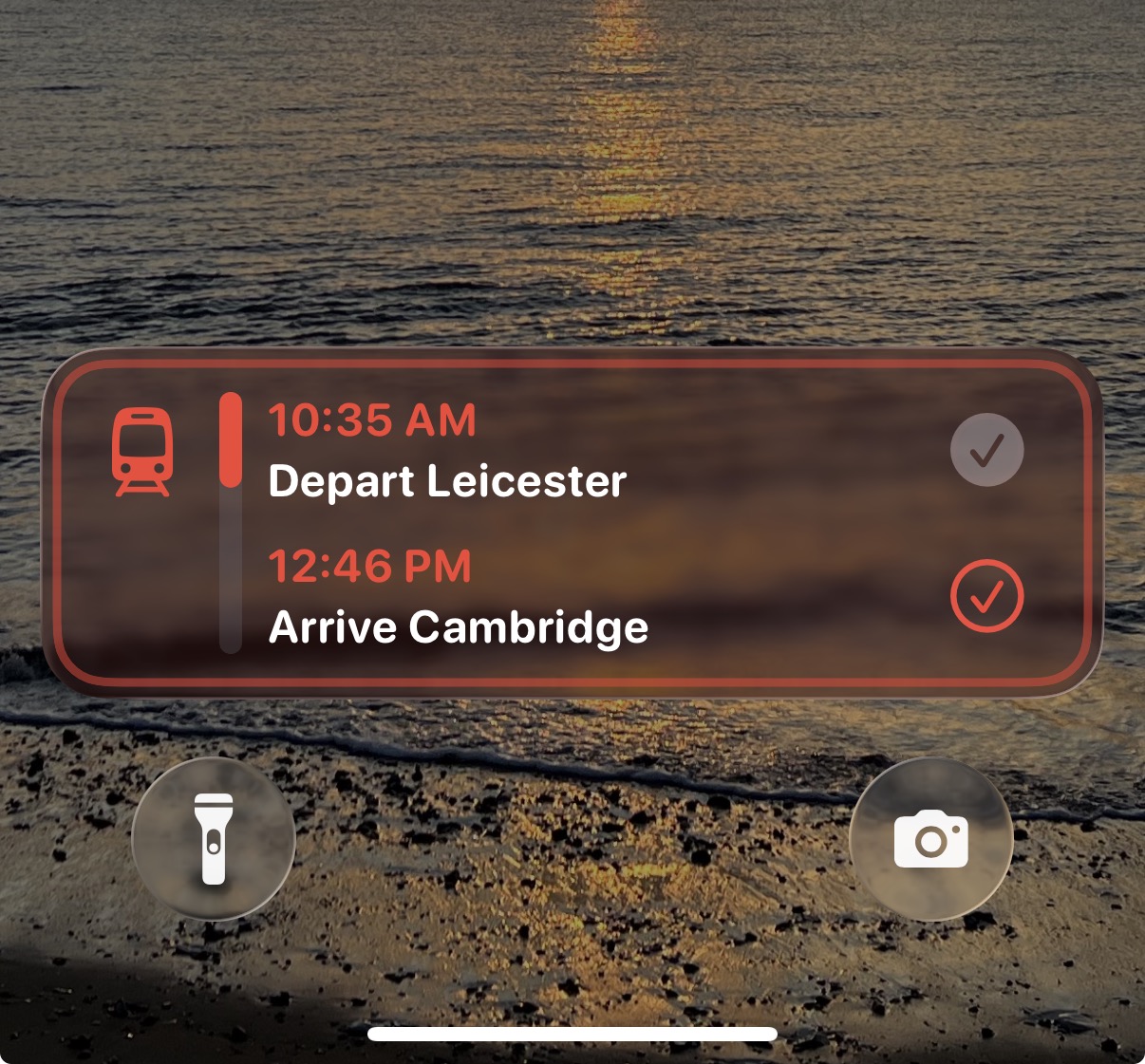
When a schedule is active, turn on Live Activities to see your progress through the current time block right on the Lock Screen. You can also get notifications for upcoming events.
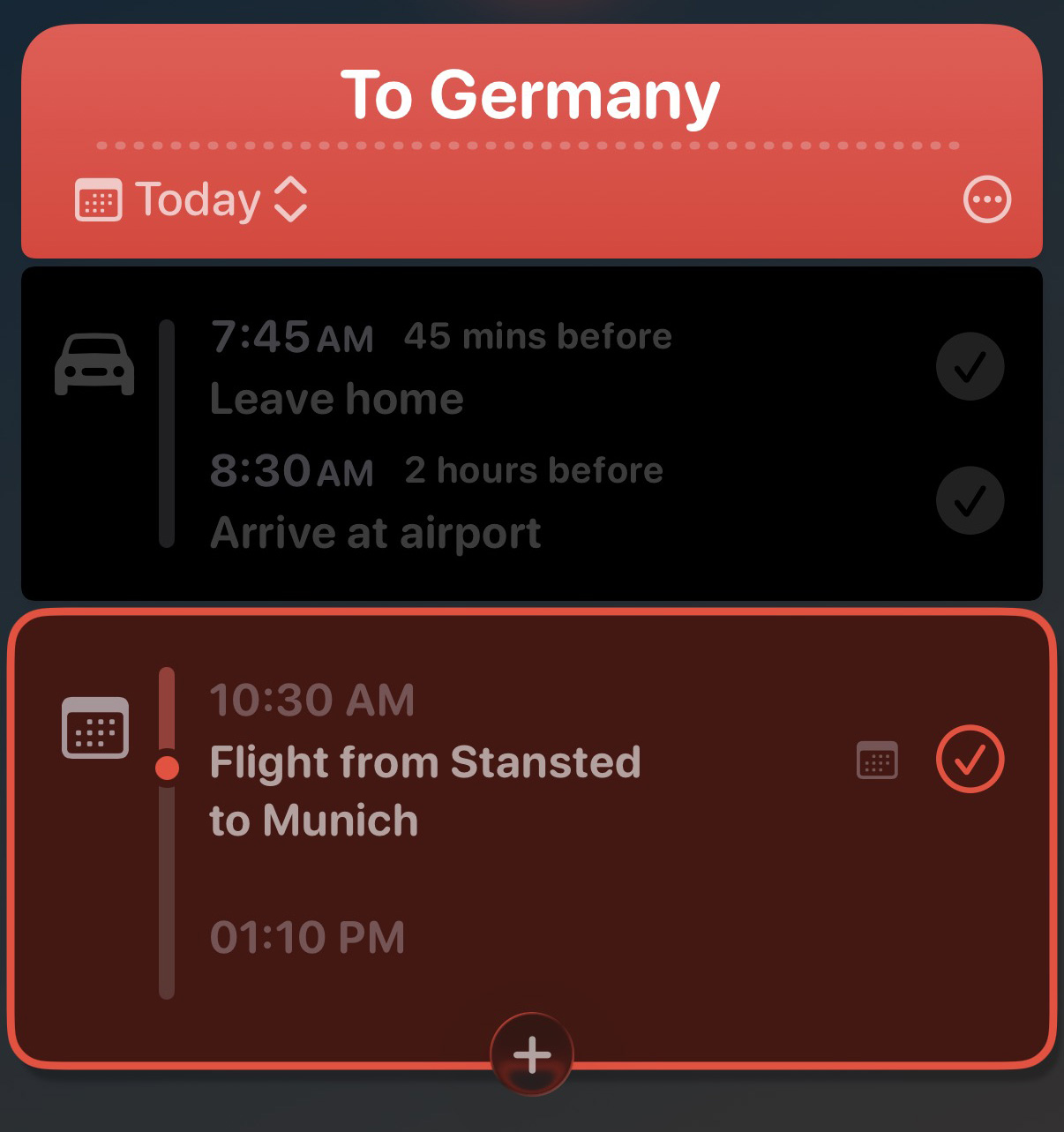
Choose to pull in your iPhone calendars per schedule so you can plan around existing events. You can hide specific events you don’t need for that day and keep the rest.
 "Sometimes it feels like all the ideas for apps have been done, and then you run into something different, clever, and super useful. That's the bottom line for Hour by Hour, an excellent iOS scheduling app from Joe Humfrey of Selkie Design."
— John Voorhees, Managing Editor, MacStories
"Sometimes it feels like all the ideas for apps have been done, and then you run into something different, clever, and super useful. That's the bottom line for Hour by Hour, an excellent iOS scheduling app from Joe Humfrey of Selkie Design."
— John Voorhees, Managing Editor, MacStories
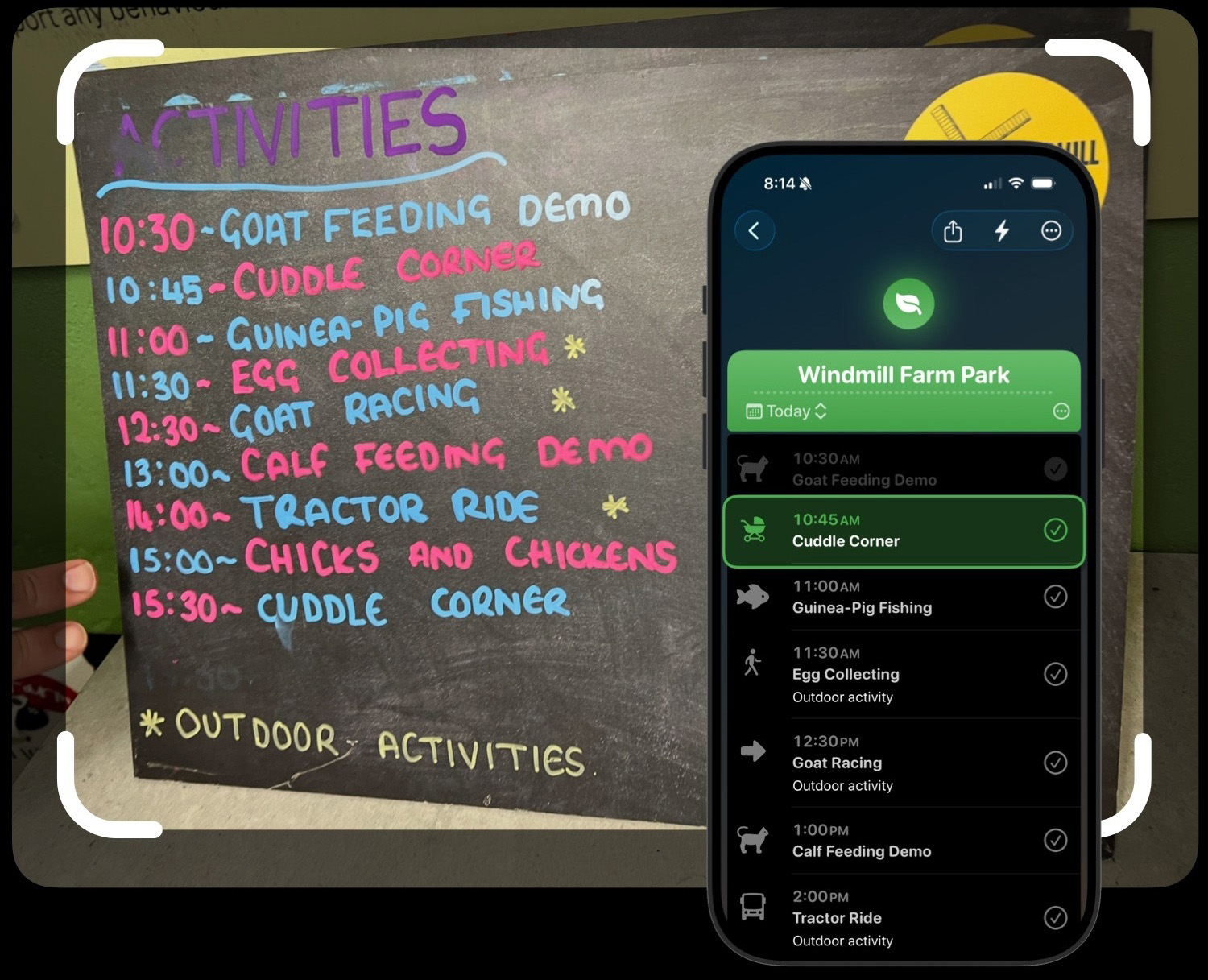
Snap a printed programme, paste text from an email, or drop in a link to a webpage with a schedule. On iOS 27 and later, Hour by Hour uses Apple’s Private Cloud Compute to turn your images, text and web content into events you can edit in the app.
OpenAI is used as a fallback when Apple’s Private Cloud Compute is unavailable. Learn more about privacy

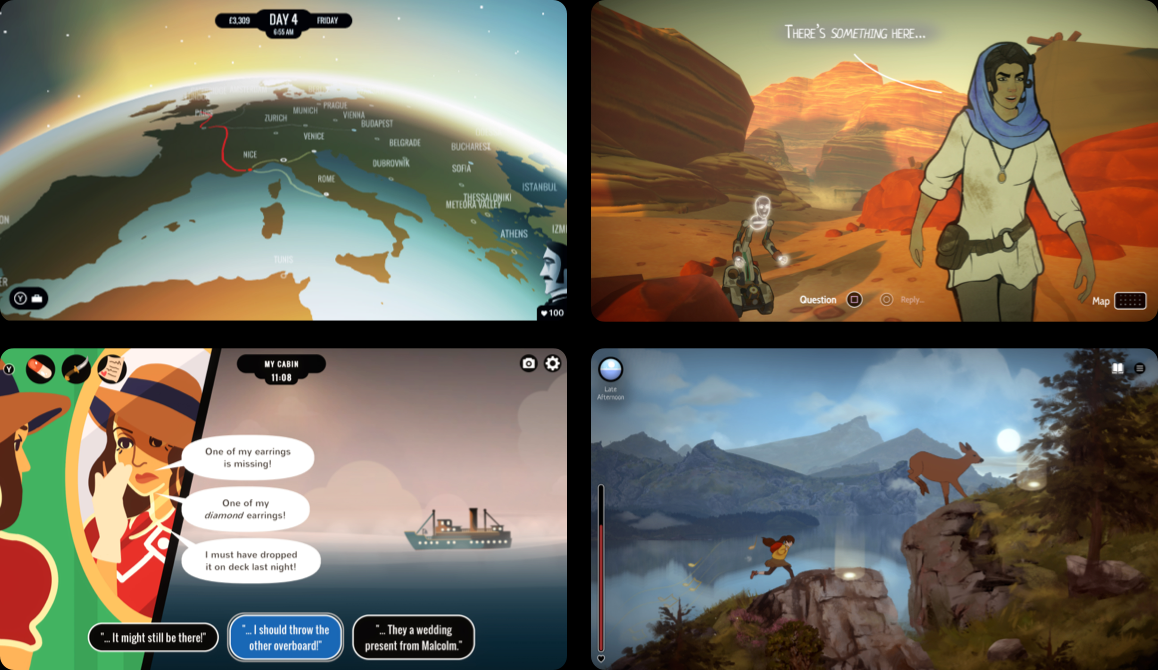
Crafted with care by Joseph Humfrey, co-founder of indie game studio inkle, creators of narrative delights like 80 Days, Heaven's Vault, Overboard!, and A Highland Song.


Loading latest posts...