Substage

Release date
18th March 2025
Platform
macOS
Website
selkie.design/substage
Download
selkie.design/substage/download
Release notes
selkie.design/substage/releases/

Description

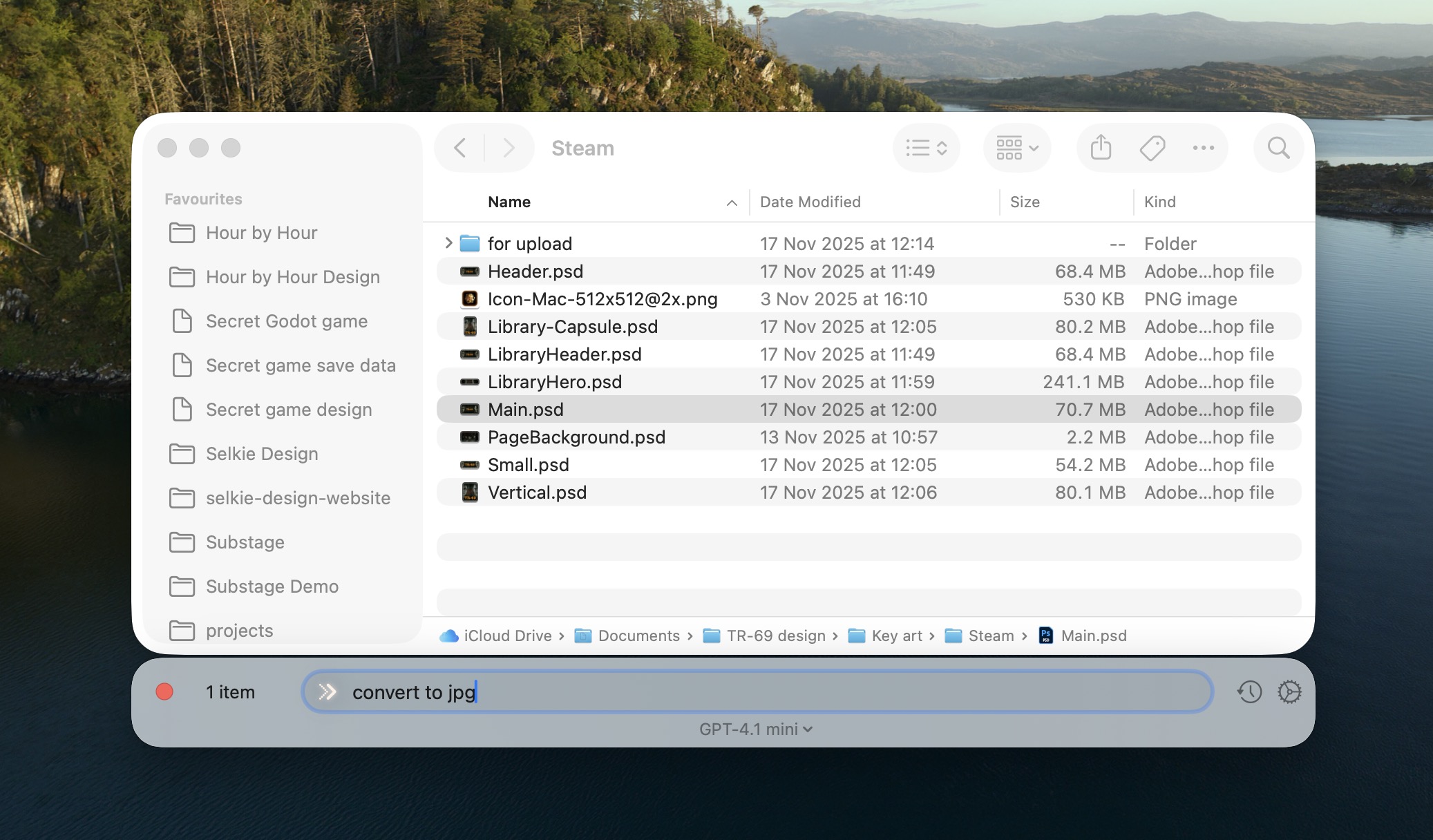
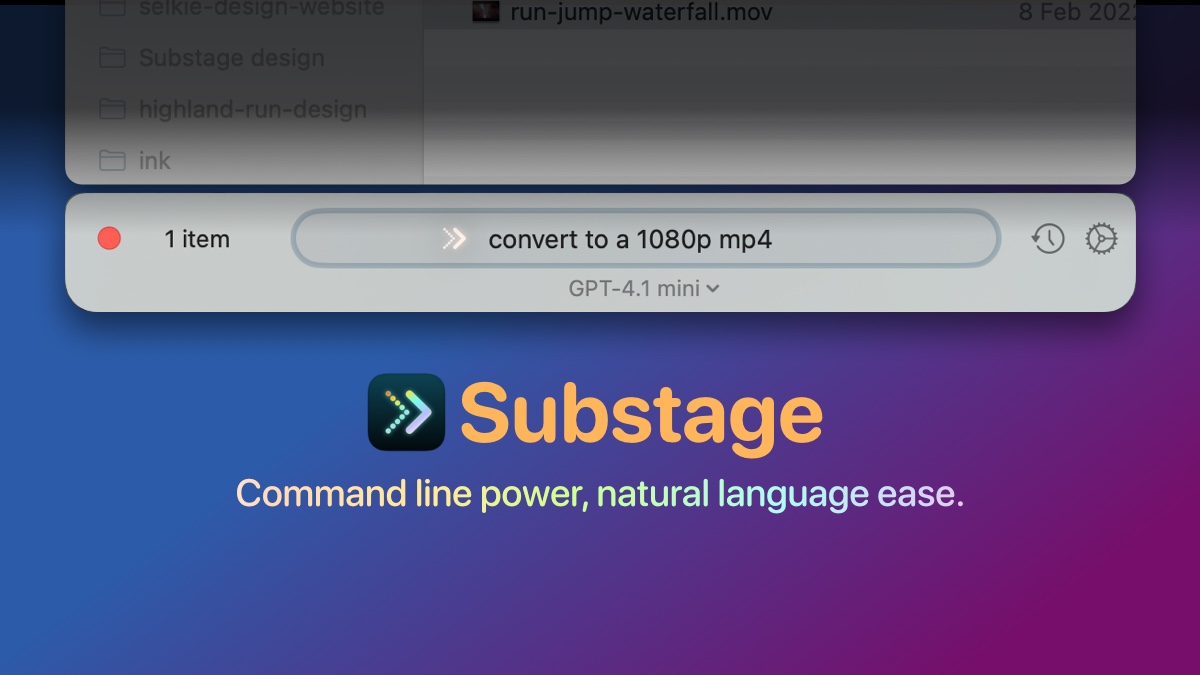
Substage is a Mac app that puts a command bar below your Finder window. You can act on your files using natural language: convert media, run calculations, manage files, and more, without memorising terminal commands. It combines the power of the command line with the ease of plain English (or your preferred language).

Use cases include media conversion (e.g. video to GIF, image resizing), quick calculations, batch renaming, and file operations—all from a bar that docks underneath the active Finder window.

Examples of what you can write:

  • "Convert to mp4"
  • "Make an MP4, 1080p"
  • "jpg"
  • "Make animated gif from this mp4, 600 pixels wide, 12fps"
  • "Extract the audio from this video as mp3"
  • "Zip these up"
  • "Extract text from this PDF"
  • "author of this pdf?"
  • "Make a new readme.txt"
  • "Make a new index.html"
  • "Rotate this image 90 degrees"
  • "What files are inside this zip?"
  • "open in Terminal"

Press coverage

YouTube coverage

From Joe's blog

Video assets

Download (MP4)

Image assets