Description
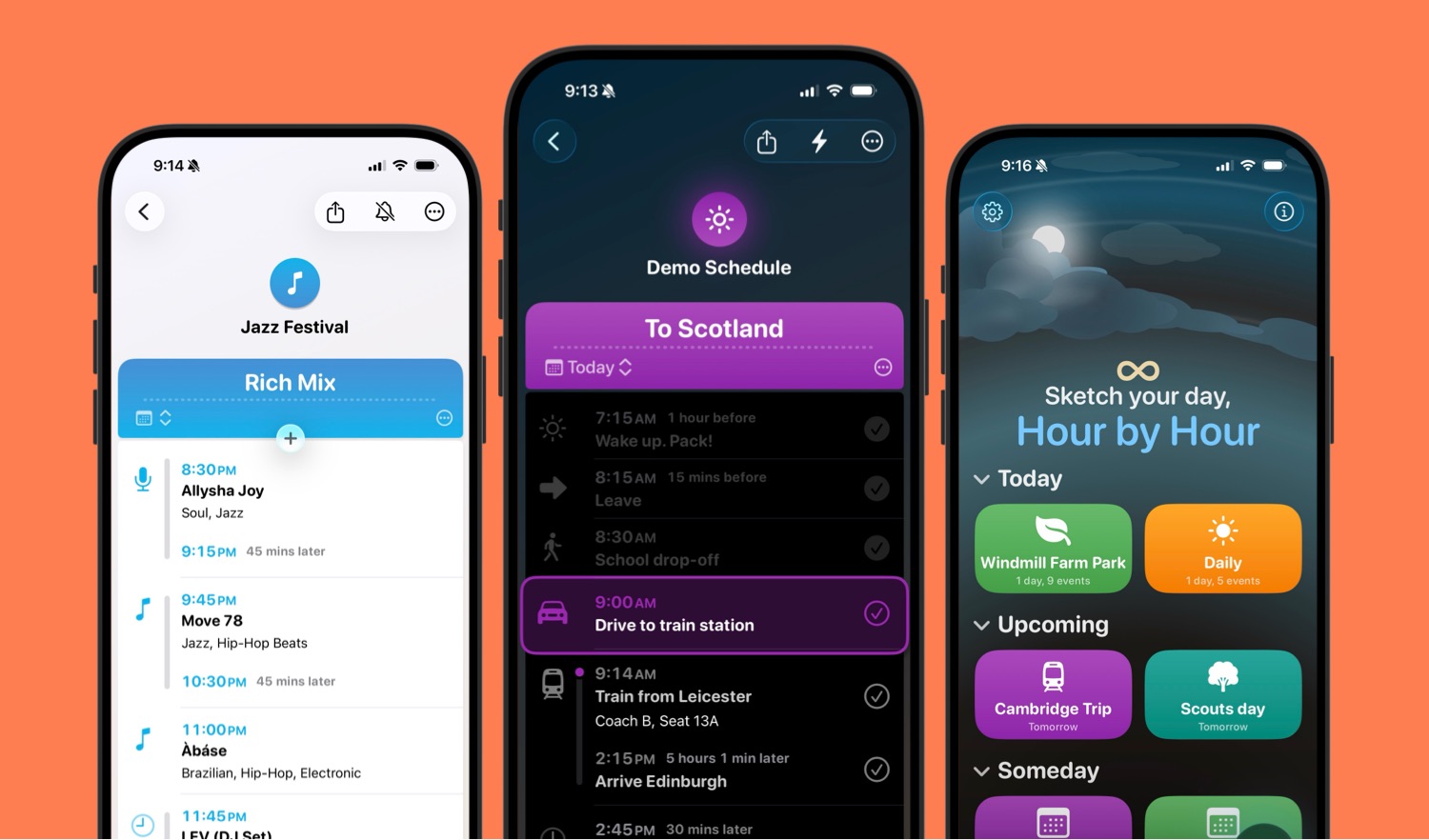
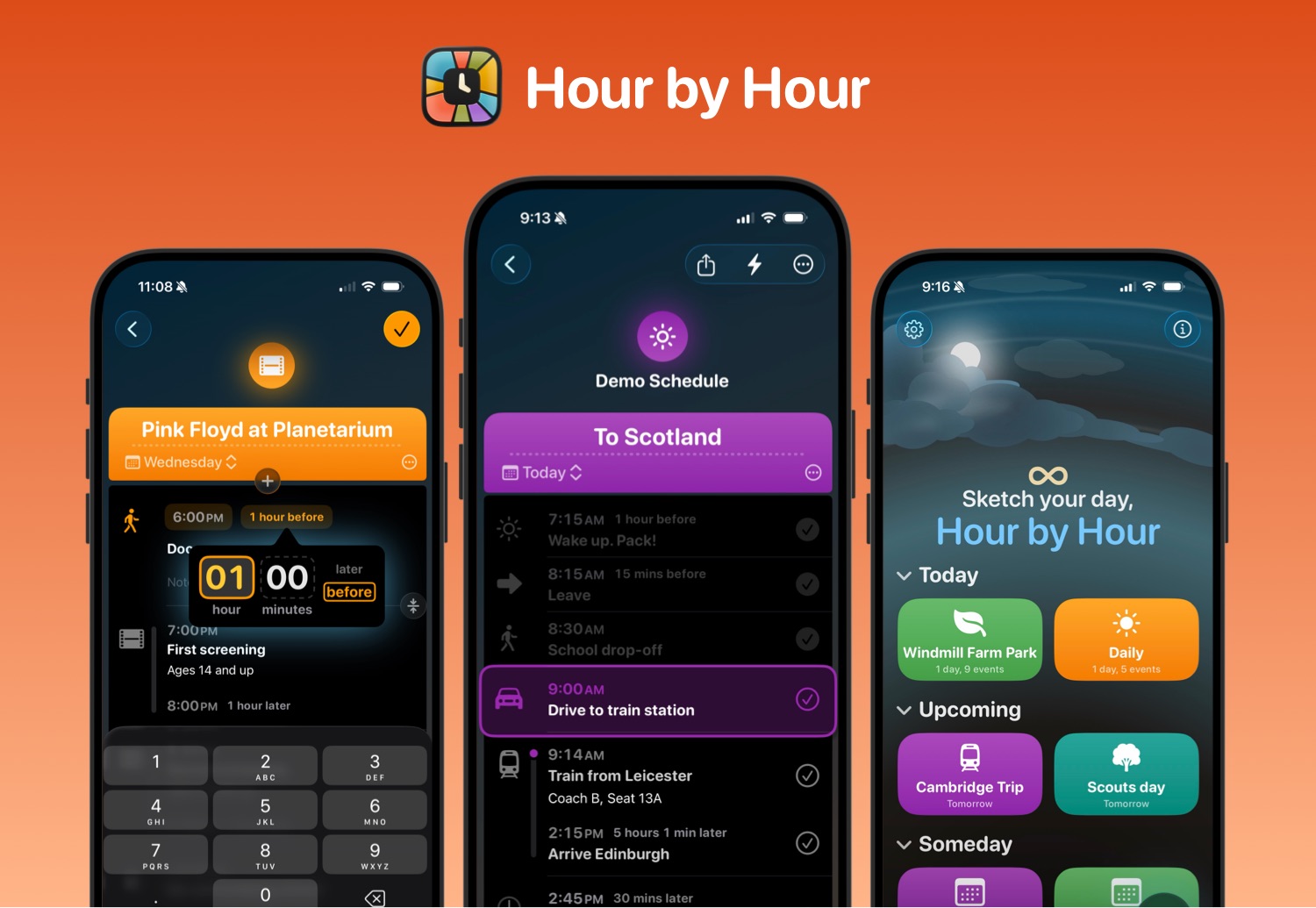
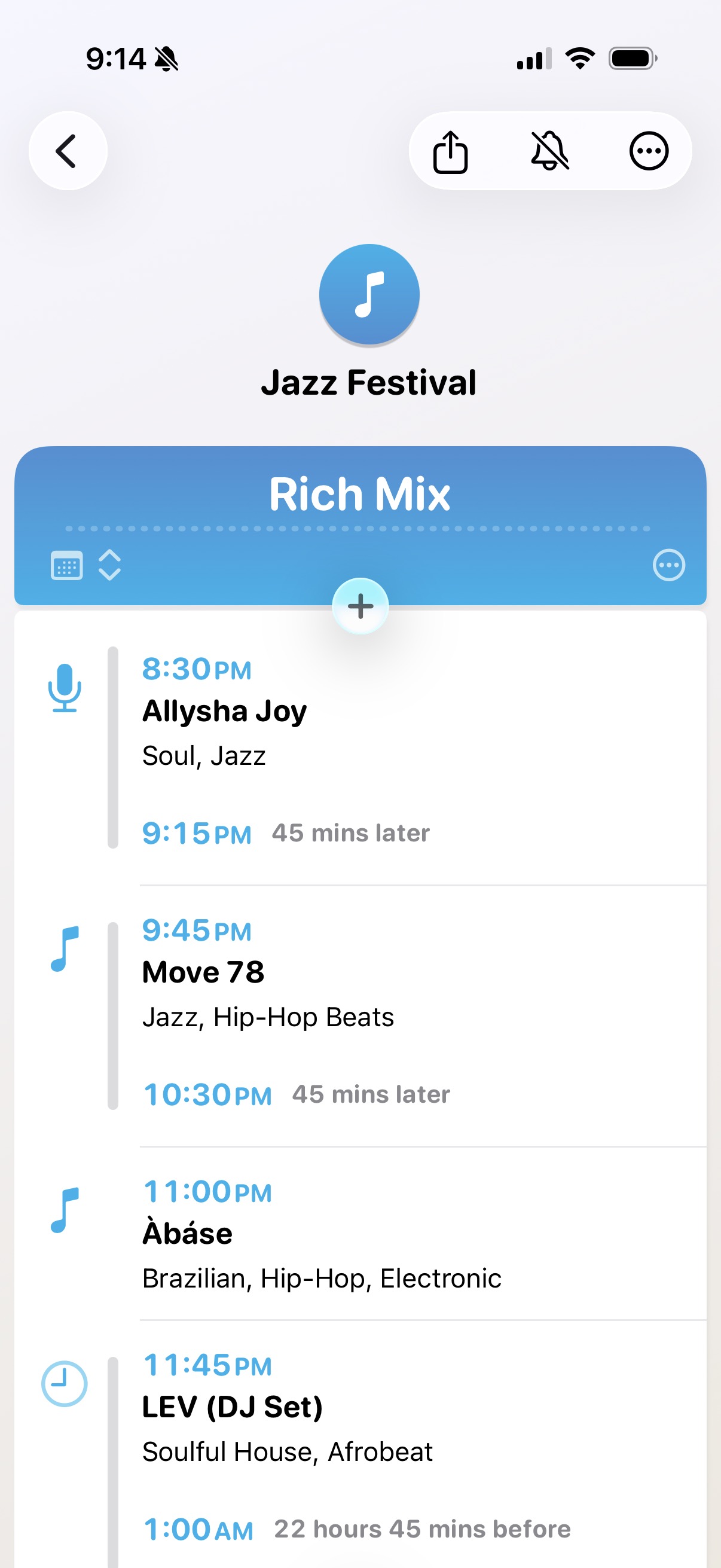
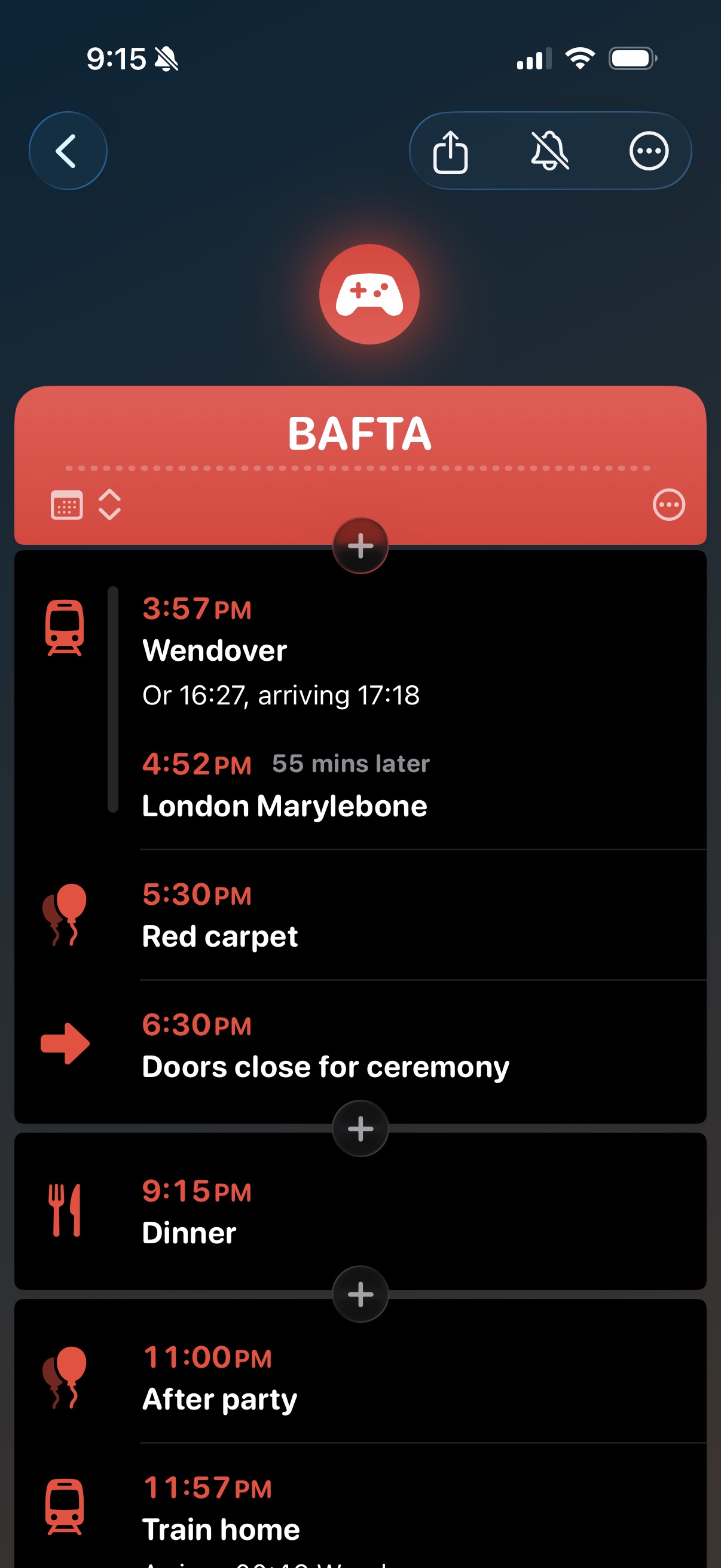
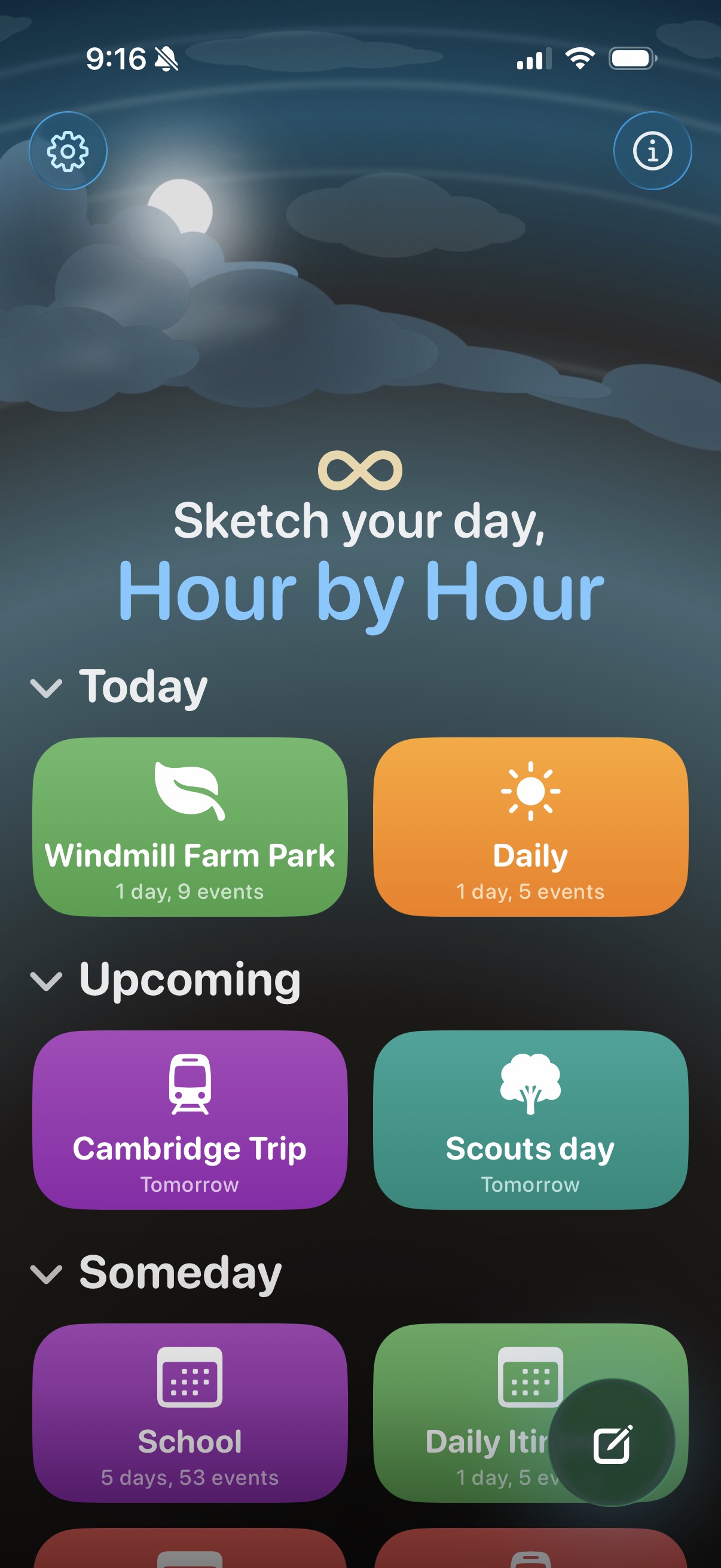
Hour by Hour is an iOS app that helps you plan your day quickly and easily with natural language. It can be especially useful for travel, organising classes, or simply organising day to day life.
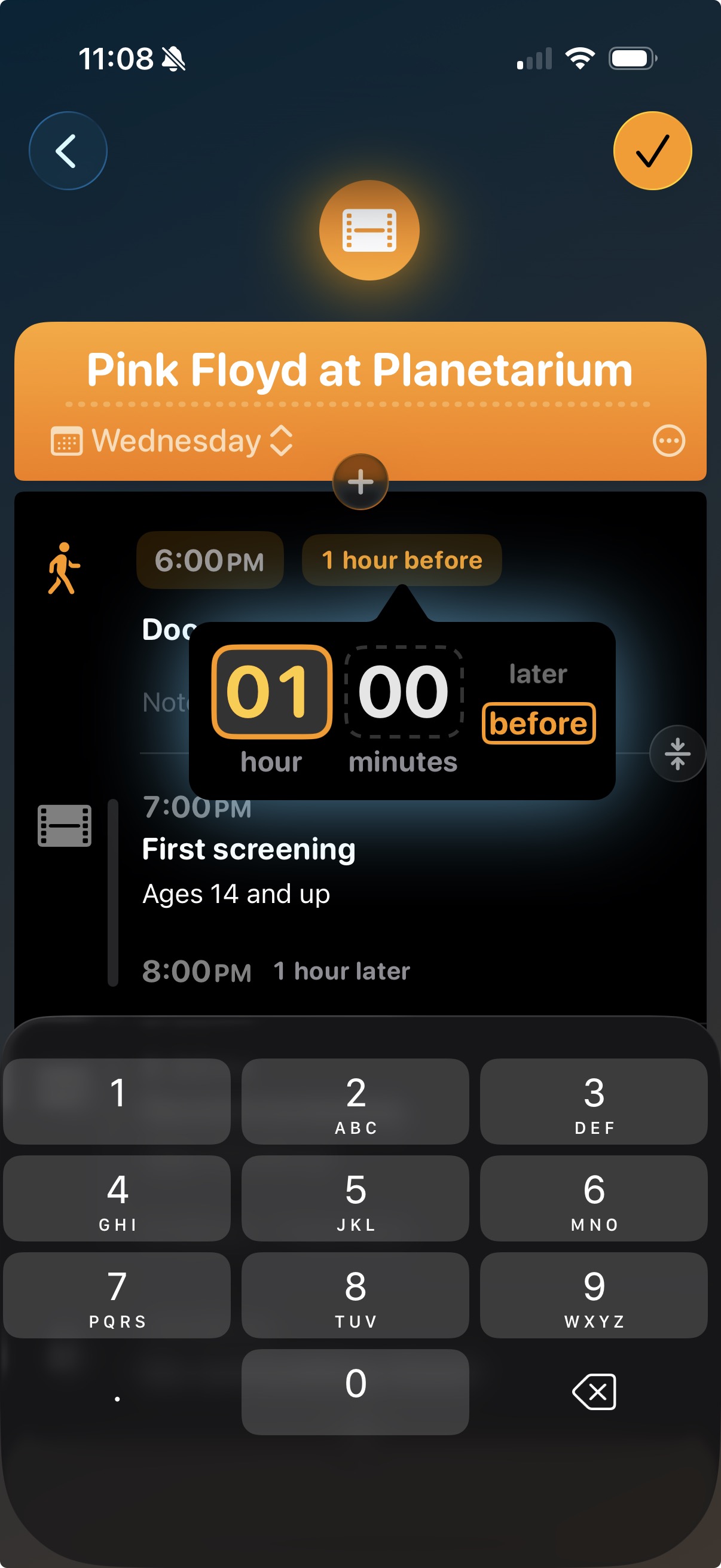
The app was inspired by my experience of making travel plans: if I have a flight from London Heathrow at 11:30, when should I arrive at the airport? (2.5 hours before.) When should I set off from my home town? (1 hour before that.) When should I set my alarm? (1 hour before that.)
So while the app may seem primarily about keeping track of your day's schedule at a glance, it's also about quickly making time calculations by entering quick, note-like natural language entries, and relative timing.
Above all, the app has been designed to make creating schedules as fast, fluid, and easy as possible.
Features
- Natural language entry: Write times such as Lunch at noon, Coffee at 3pm as well as relative times such as Set off 20 mins earlier. Hour by Hour also chooses icons for events from the title you type, using Apple’s on-device AI.
- Link events: Event times are calculated automatically when using relative timing, and can be chained.
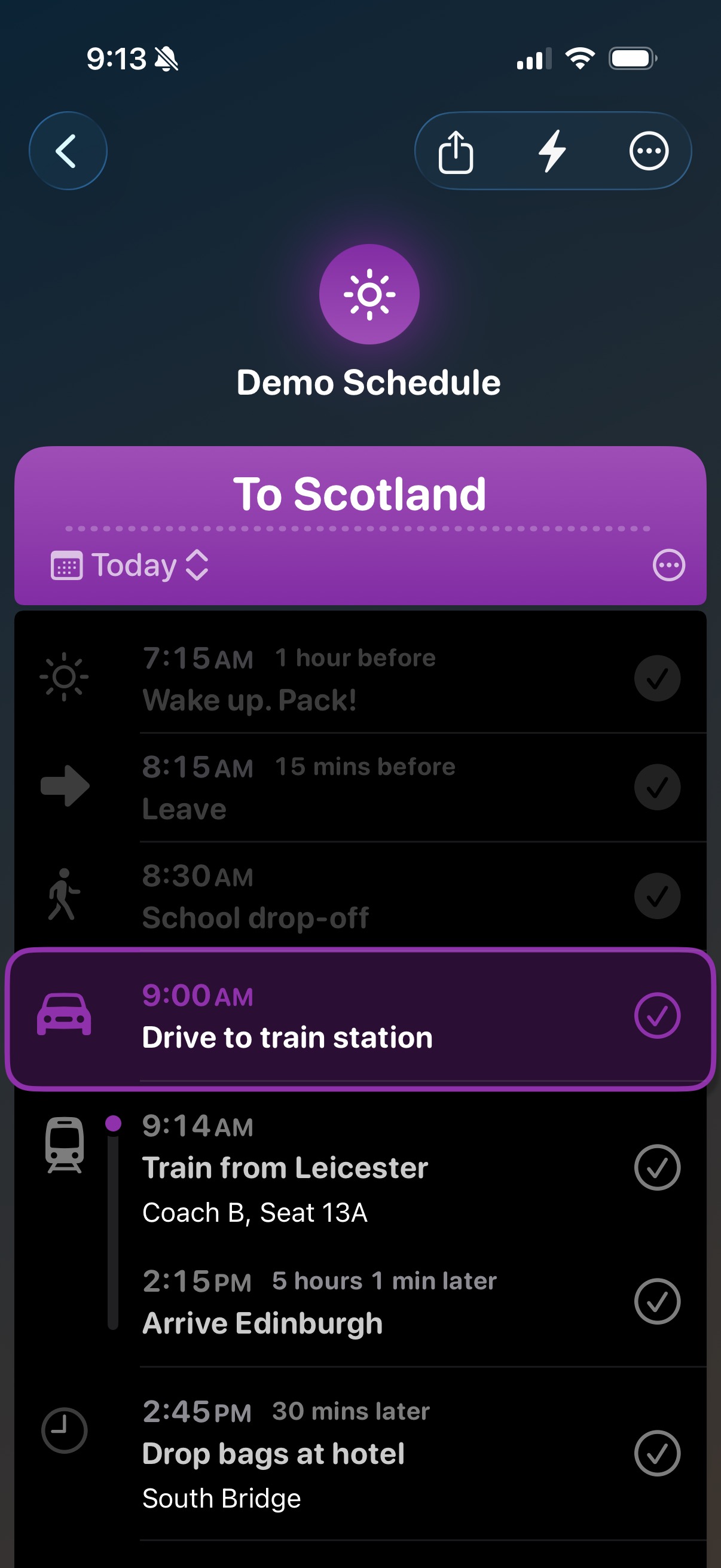
- Stay on track: When a schedule is active on your chosen days, the app highlights the event that’s happening right now based on the time, sends notifications, and can use Live Activities for time blocks.
- Time blocks: From a simple start-to-end range to a multi-step sequence: see your progress through each block and show it on the lock screen as a Live Activity. Especially useful for complex travel plans with multiple stops and changes.
- Calendar integration: Optionally, can integrate with your iPhone's built in calendars, so you can base your day play around existing calendar events.
- iCloud sharing: Sync with iCloud and share a link to collaborate on the same schedule - handy for trips with friends or family plans.
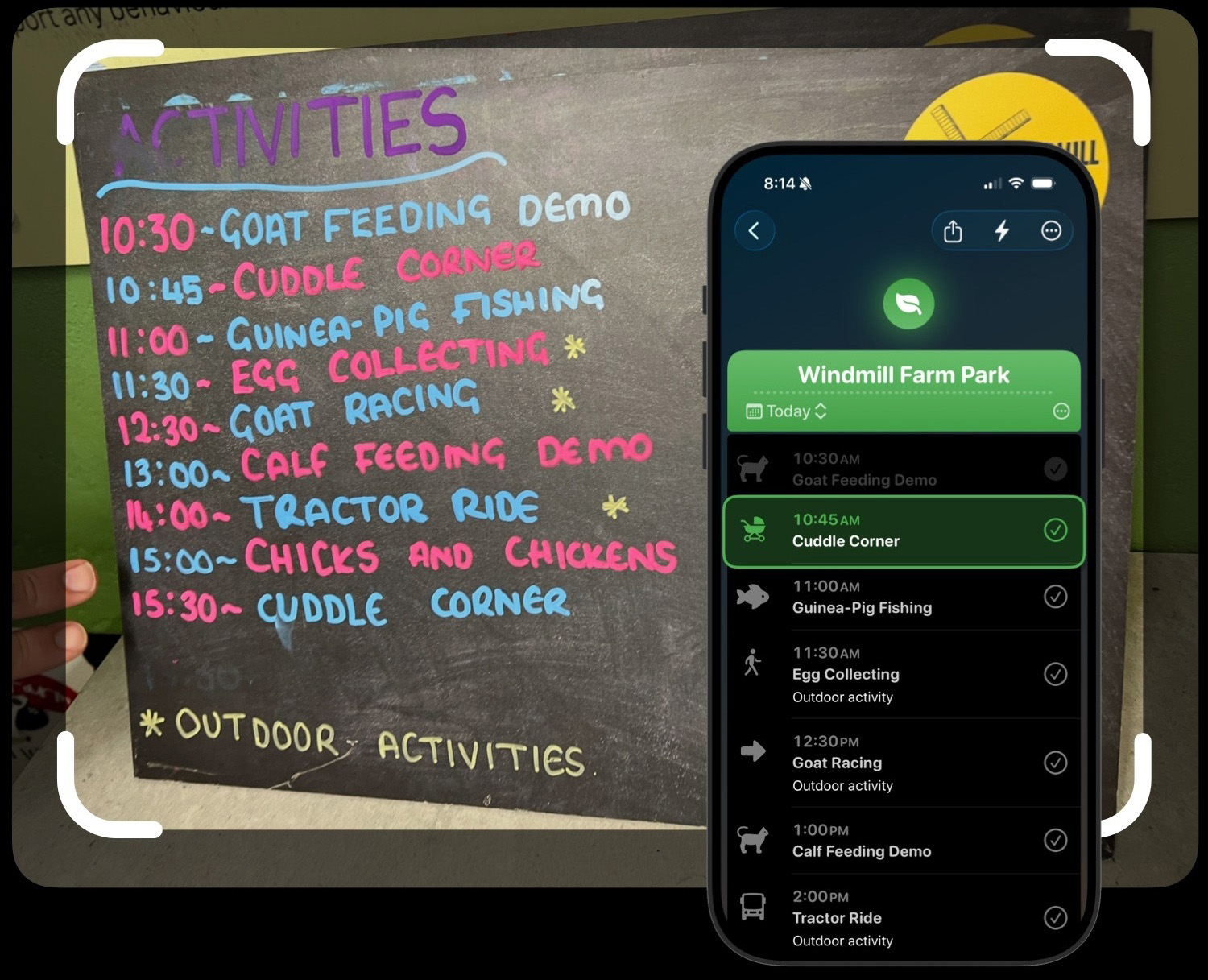
- Import from a photo: Snap a printed program, concert listing, or conference schedule and import it with AI: Hour by Hour turns the image into events you can follow along to.
App guide
Hour by Hour has an in-app guide which describes all the features in more detail, and it's also accessible on the web:
From Joe's blog
Assets
Download zip of all image and video assets
Video assets
Download (MP4)